Mobile Apps Web Services Support News
Language
한국어 English 日本語 中文 Español Português
Free Download

Mono QR Scanner

Scan all QR codes and barcodes in one second.
Flash support for scanning in the dark.

Coming Soon Coming Soon
Mono QR Scanner App Screenshot

Overview

Mono QR Scanner is a scanner app that lets you quickly read QR codes and barcodes, create your own QR codes, and manage your scan history all in one place. It is built for anyone who runs into QR codes in everyday life — for payments, logins, WiFi access, or visiting websites — and is designed to work the moment you open it, with no complicated setup.

Using it is simple. Point the camera at a QR code or barcode and it is recognized instantly. You can turn on the flash in dark places and switch between the front and rear cameras. Even without using the camera, you can detect QR codes from images and screenshots saved in your gallery. Scan results can be copied to the clipboard or shared, and URLs can be opened right away.

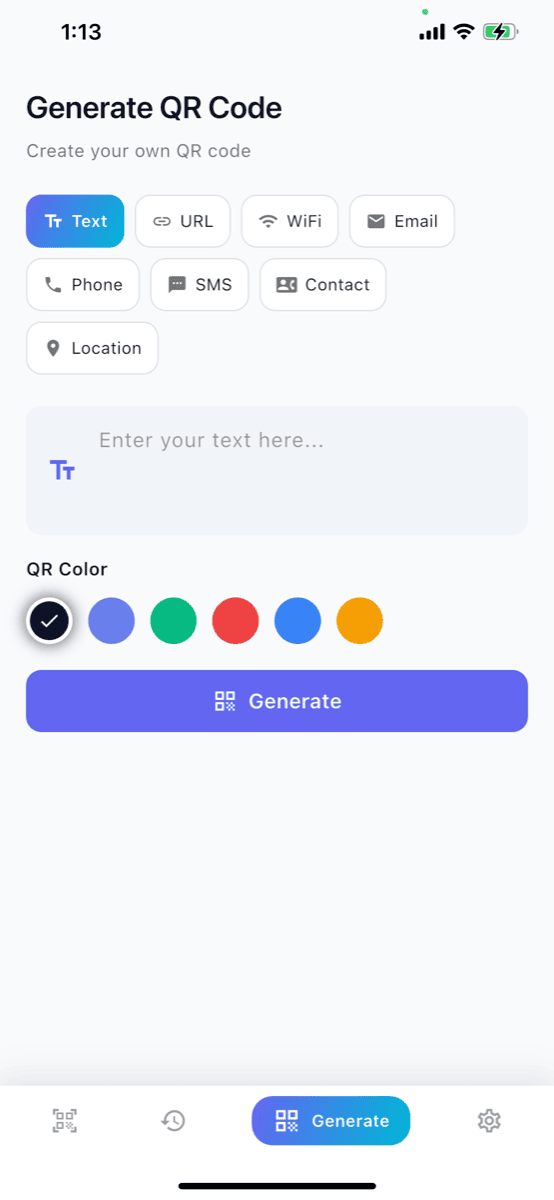
On the generate screen you can create QR codes in many formats, including text, URL, WiFi, email, phone number, SMS, contact (vCard), and location, and choose from six colors. Every scan is automatically saved to your history, where you can search entries and remove them individually or clear them all. The app supports light and dark themes, vibration and sound feedback settings, and multiple languages.
Key Features

Fast, simple, and powerful

⚡

Lightning Fast Scan

Point your camera and it reads QR codes and barcodes instantly, with front and rear camera switching.

🔦

Flash Support

Built-in flashlight feature for scanning even in dark places.

📋

Scan History

All scan results are saved automatically. Search past entries and delete them one by one or all at once.

🔗

Easy Sharing

Share scan results or copy to clipboard with one tap.

🌐

Offline Support

Works without internet, use it anytime, anywhere.

🎨

Clean Interface

Intuitive design with light and dark themes plus vibration and sound feedback you can toggle.

App Preview

Intuitive and clean UI

Settings Screen

Settings

Scan Screen

Scan

Create Screen

Create

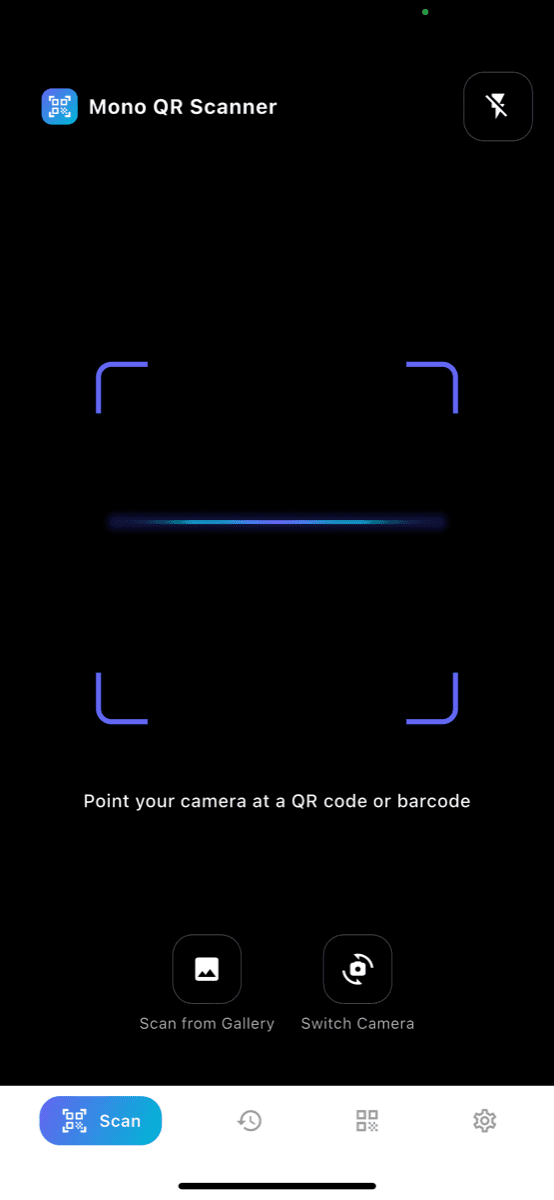
Fast QR/Barcode Scan

Simply point your camera at a QR code or barcode for instant recognition. No complicated steps - scan immediately when you open the app.

  • QR code & barcode simultaneous recognition
  • Flash support for scanning in dark places
  • Gallery image scan support
  • Front/rear camera switching
Scan Screen

Create Your Own QR Code

Easily create various types of QR codes. Customize with your preferred colors and share instantly.

  • Text, URL, WiFi information
  • Email, phone number, SMS
  • Contact, location information
  • 6 color themes to choose from
Create Screen

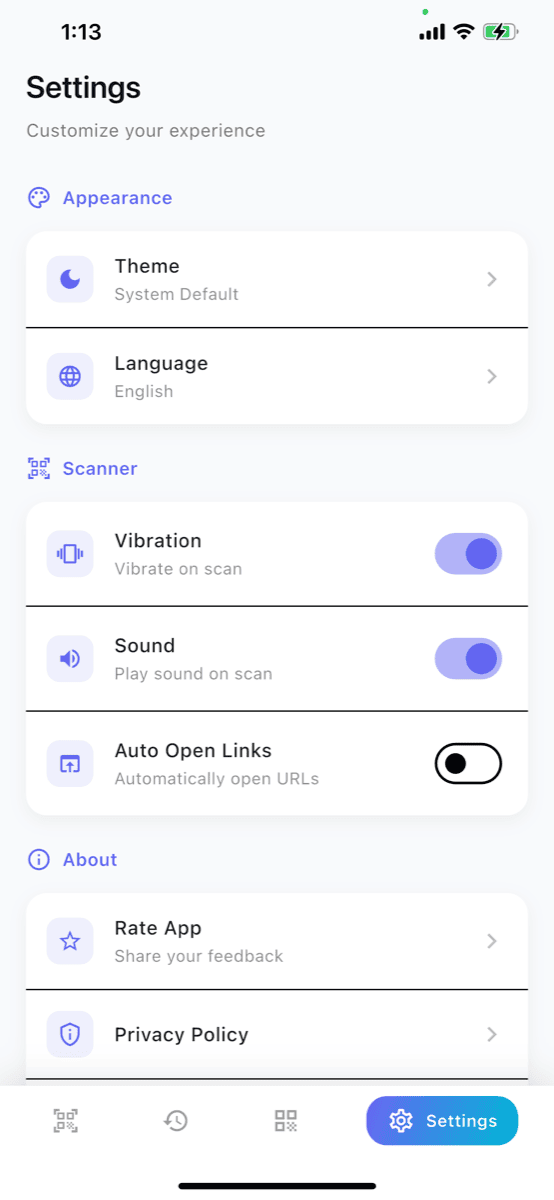
Convenient Settings

Customize the app to your preferences. Fine-tune theme, language, and scan feedback.

  • Light/dark theme selection
  • Multi-language support
  • Vibration/sound ON/OFF on scan
  • Auto-open URL setting
Settings Screen

Frequently Asked Questions

Everything you need to know about Mono QR Scanner

What can Mono QR Scanner scan?

It recognizes both QR codes and barcodes at the same time. Just point your camera at the code for instant recognition, and turn on the flash to scan in dark places.

What types of QR codes can I create?

You can create QR codes for text, URL, WiFi, email, phone number, SMS, contact, and location. Customize them with 6 color themes and share right away.

Can it scan images saved in my gallery?

Yes, it can recognize QR codes from images saved in your gallery. You can easily scan screenshots you have captured too.

On which platforms is it available?

Mono QR Scanner is coming soon to the App Store and Play Store. After launch it will be available on both iOS and Android.

Is it paid? Are there ads?

Mono QR Scanner is free. You can use it lightly without worrying about ads, and it supports dark mode and multiple languages.